macOS Setup
- Install the universal macOS package for Intel or Apple Silicon.
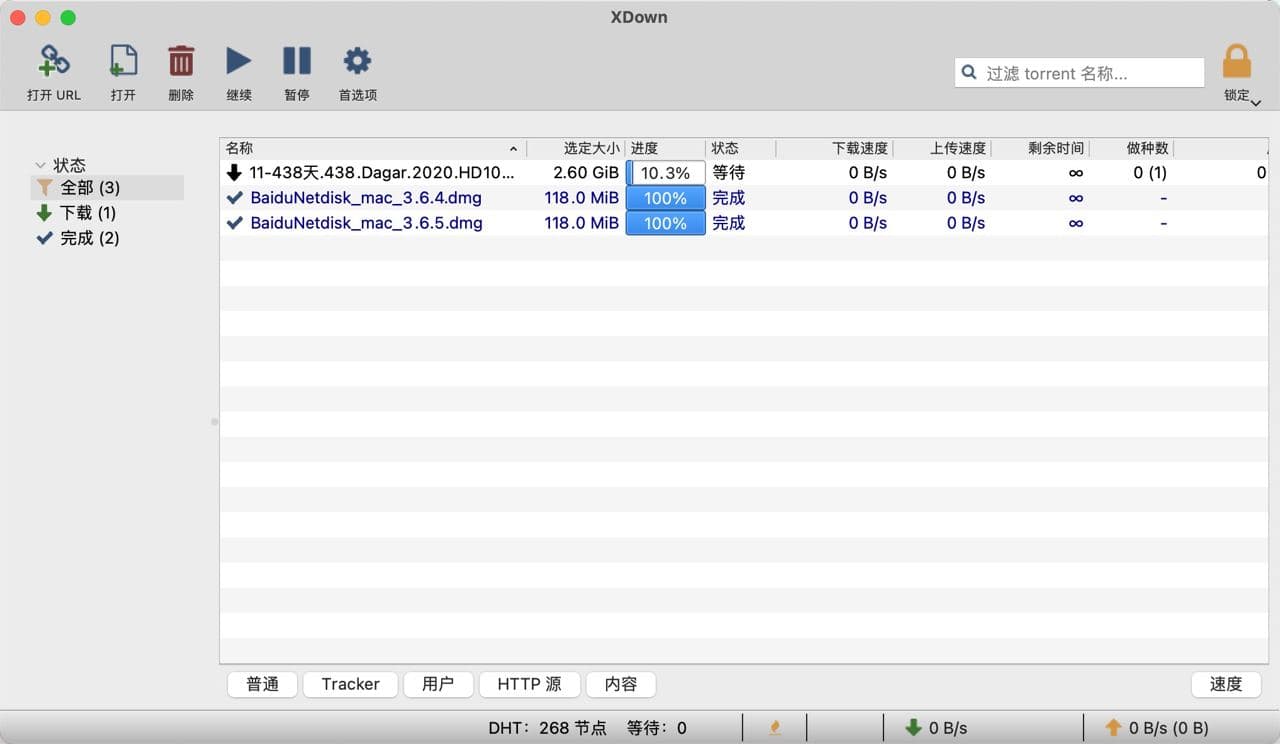
- Open XDown once, then allow the system permission prompts required by the app.
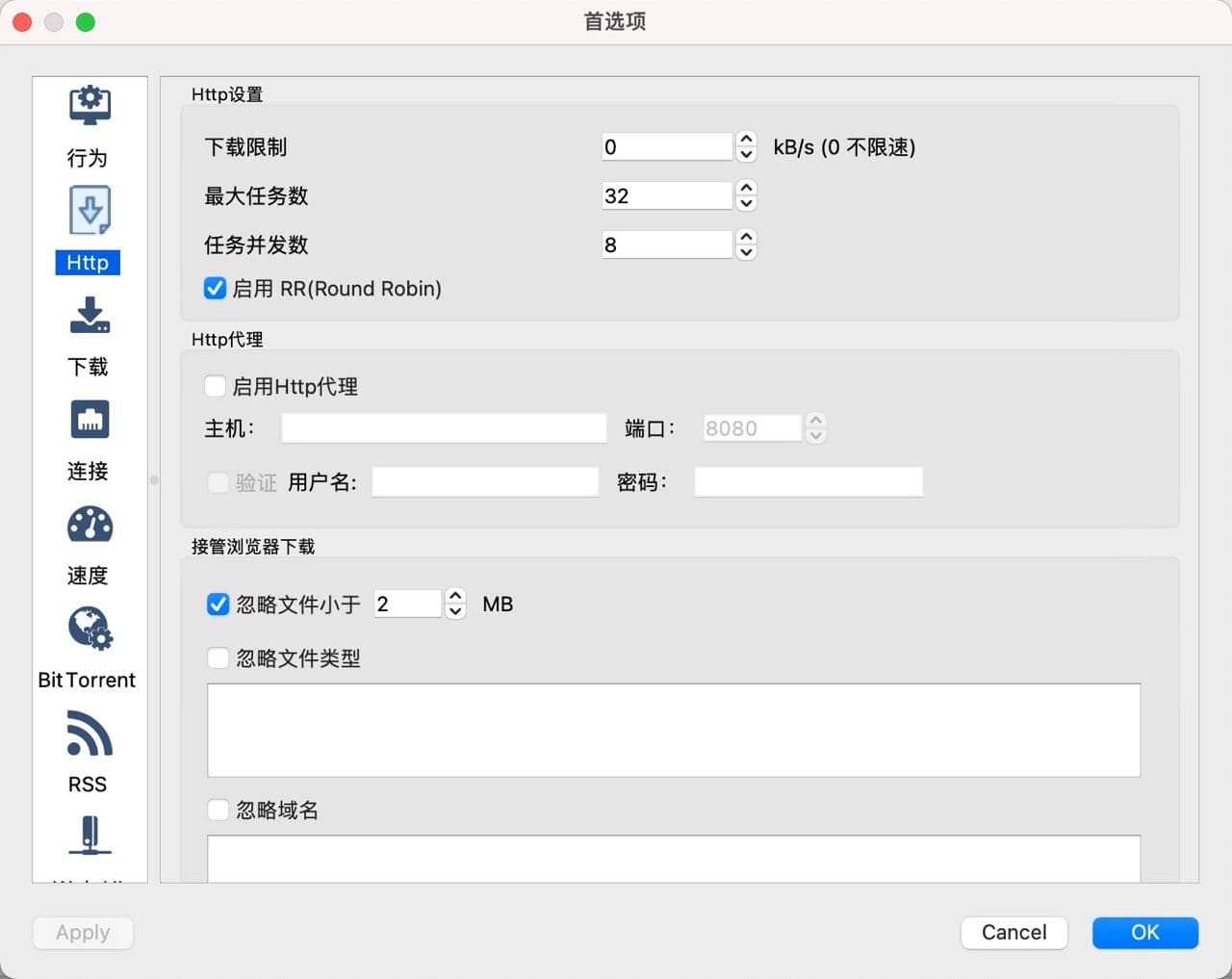
- Open Settings, More Features, Extensions, and enable the XDown browser plugin.
- Install Chrome from Google Chrome or Edge from Microsoft Edge.
- If the Edge extension cannot wake the app, download install-extension-for-edge.zip, unzip it, and run
edge-install-xdown-host-script.sh.